
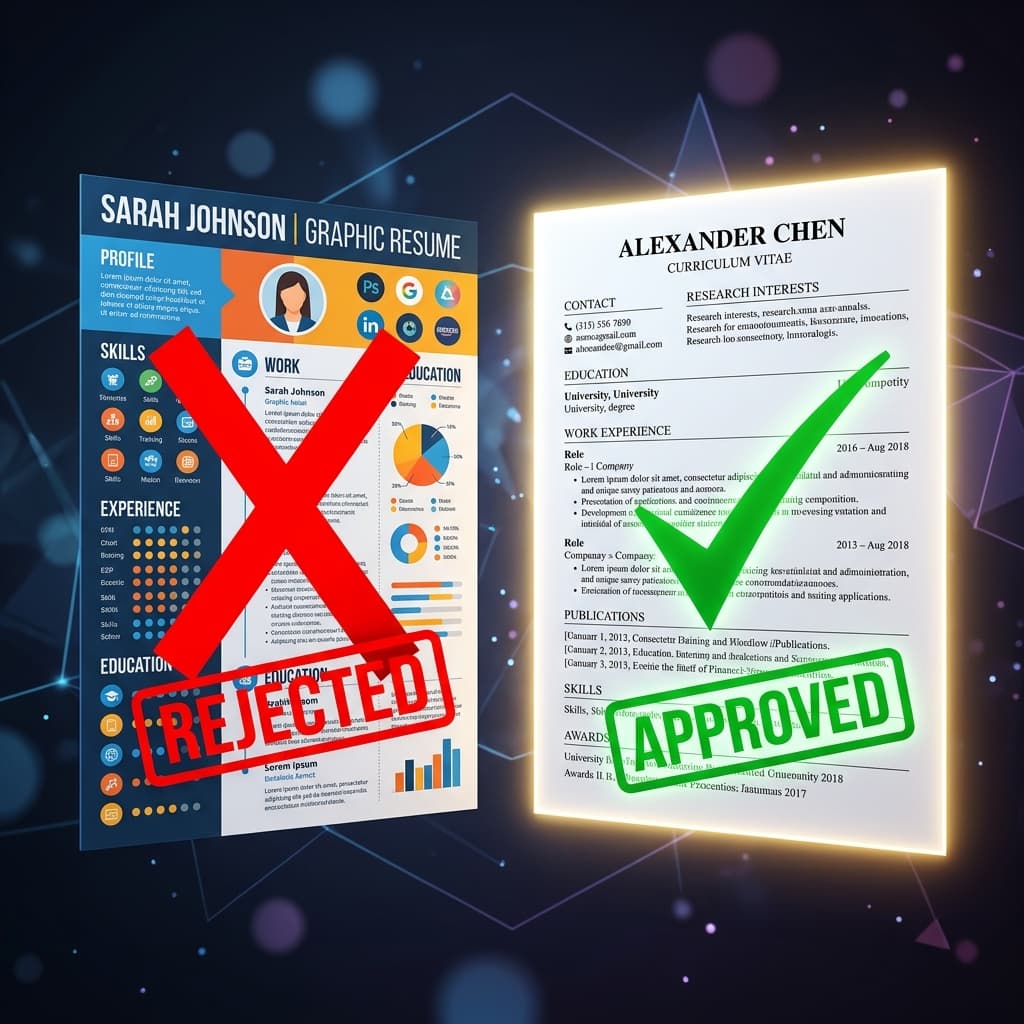
You spent hours crafting the perfect resume. You selected a gorgeous modern template on Canva, customized the color scheme, added a stylish sidebar for your skills, and even included a neat rating bar for your proficiency levels. It looks like a masterpiece. Yet, after submitting it to dozens of job listings, you are met with absolute radio silence. What went wrong?
Here is the harsh reality of modern hiring: before a human recruiter ever lays eyes on your resume, it has to pass through a digital gatekeeper known as an Applicant Tracking System (ATS). And unfortunately, those beautiful, graphic-heavy Canva templates are the number one trigger for automatic ATS rejections.
How ATS Bots Read (or Fail to Read) Your Canva Resume
To understand why Canva resumes fail, you need to understand how ATS parsers work. An ATS is not looking at how pretty your resume is; it is converting your PDF into a plain, linear text stream. It strips away all formatting to scan for keywords, job titles, and experience levels.
When a parser encounters a Canva PDF, the visual elements that make it attractive to humans become massive roadblocks for the algorithm. Here is what happens under the hood:
- Scrambled Reading Order: Most Canva templates use a two-column layout. ATS parsers read from left-to-right, top-to-bottom across the entire page. As a result, the parser merges your columns, reading 'Software Engineer Node.js Core Competencies 2021 - 2023 React' in a scrambled mess.
- Unreadable Vector Graphics: Things like skill bars, circles, and graphic timelines are not encoded as text. The ATS sees them as blank boxes or garbled code, meaning your '9/10 Python skill rating' registers as zero skills.
- Text Saved as Images: Sometimes, exporting design-heavy templates converts text layers into flattened vector shapes. To the ATS, your resume is a blank image, leading to an immediate automatic rejection.
- Non-Standard Section Headings: If your template uses creative titles like 'Where I've Been' instead of 'Work Experience', the ATS will not register that section at all.
Comparing File Structures: PDF vs Word vs LaTeX
Not all PDFs are created equal. The underlying code of the file determines how readable it is by a parser. Let's compare the most common formats:
| Resume Creator | Underlying Format | ATS Parsability Score | Visual Layout Integrity |
|---|---|---|---|
| ChatCV (chatcvapp.com) | LaTeX-Compiled PDF | 100% (Perfect) | 100% (Locks typography and margins across all systems) |
| Microsoft Word | Plain Text DOCX | 95% (Excellent) | 60% (Layout shifts easily depending on MS Word versions) |
| Canva / Photoshop | Graphic PDF Layer | Below 30% (Very Poor) | 90% (Looks identical, but is unreadable to parser software) |
The Solution: Standardizing Your Layout Without Stifling Your Brand
Fixing your resume doesn't mean it has to look boring or ugly. You can achieve an extremely premium, executive-level look while remaining 100% ATS-friendly. The key is using clean, single-column typesetting standards like LaTeX.
Rather than fighting with Microsoft Word margins or risking a Canva rejection, modern job seekers are using conversational resume builders like ChatCV. By simply chatting with the AI, you structure your career highlights into a professional, single-column LaTeX format. It guarantees that every single character, heading, and date is perfectly indexed, while still outputting a crisp, beautifully designed PDF.
Quick Test: Is Your Current Resume ATS-Friendly?
To verify if your current resume can pass the robot test, perform this simple check:
- Open your resume PDF in a standard reader.
- Press Ctrl + A (or Cmd + A on Mac) to highlight all the text.
- Copy the highlighted text and paste it into a blank Notepad file.
- Look at the pasted text. If the sentences are scrambled, sections are missing, or text from the left column is mixed with the right column, your resume is failing the ATS test.
Make the Switch and Get More Interviews
Stop letting visual layout bugs hold your career back. If you want to optimize your chances, check out our comprehensive ATS resume guide or read about how to choose the best AI resume builder for your field.
When you are ready, head to ChatCV to build an ATS-proof, LaTeX-compiled CV in minutes just by talking to our AI.
Frequently Asked Questions
Can ATS read Canva resumes?
While modern ATS software can scan simple text on Canva PDFs, templates with multiple columns, icons, tables, and progress bars almost always result in parsing errors and automated rejection.
Is PDF or Word better for ATS?
Both are acceptable. However, a clean, text-based PDF (like one compiled with LaTeX) is superior because it locks your formatting in place, ensuring recruiters see the exact same layout that the ATS parsed.
What is the best format to avoid ATS rejection?
A single-column, text-based layout with standard headings ('Skills', 'Experience', 'Education') and zero charts or graphics is the safest, highest-performing format.