
It seems like a dream come true: you copy a job description, paste it into ChatGPT along with your raw profile, and prompt it to 'write an optimized resume.' In five seconds, you have a fully populated list of experiences complete with action verbs. You copy, paste, and send it off. Perfect, right?
Actually, not at all. While using AI to assist in your job search is smart, copy-pasting raw outputs from ChatGPT has become one of the quickest ways to land in the rejection pile. Hiring managers read hundreds of resumes a week, and they are developing severe AI fatigue.
How Recruiters Immediately Spot a ChatGPT Resume
When you prompt ChatGPT to write bullet points, it defaults to a very specific, overly polished, and generic structure. Here is how hiring managers detect it:
- Lack of Real Metrics: ChatGPT doesn't know your numbers. It will write statements like 'collaborated with cross-functional teams to drive positive outcomes' instead of stating 'led a team of 4 engineers to cut page load times by 40%.'
- Unnatural Flow: The sentences are repetitive in length and start with the same predictable verbs.
- Hallucinations: ChatGPT often invents frameworks, certificates, or responsibilities that you never had to make you fit the job post.
- Perfect but Empty Prose: The content sounds incredibly professional on the surface, but says almost nothing concrete about what *you* actually did on a daily basis.
The Solution: Conversational AI vs. Text Generation
So, should you abandon AI entirely? Absolutely not. The key is shifting your approach from generating text to having a conversation.
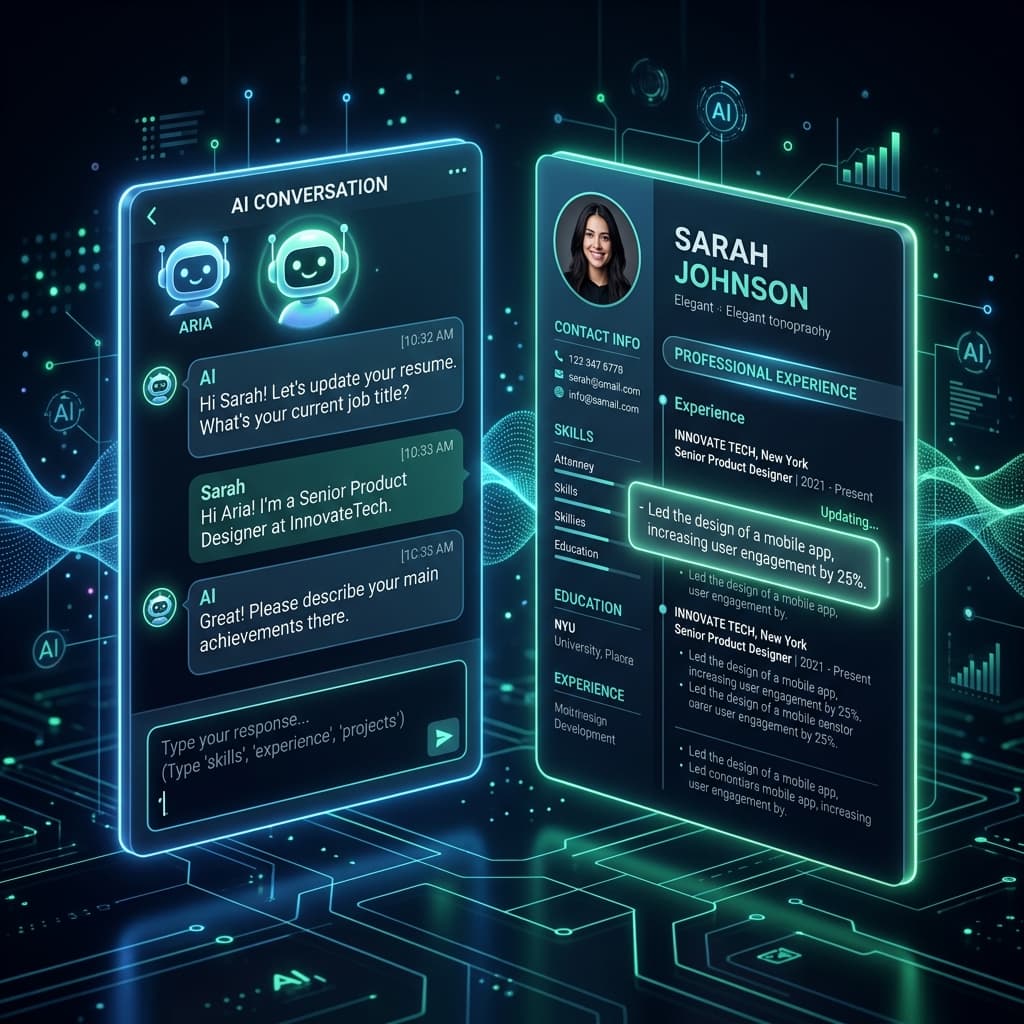
Instead of asking an AI to 'write my resume,' you should use an interactive tool like ChatCV. ChatCV doesn't just print out a generic document; it acts as a digital interviewer. You chat with the AI assistant, which asks you clarifying questions about your project achievements, the technologies you used, and the direct impact of your work.
By interacting with the tool, you feed it real, authentic details from your career. The AI then organizes *your actual experiences* into clean, professional bullet points and builds a premium LaTeX-compiled resume live on screen.
How to Prompt Conversational AI for Authentic Bullet Points
If you want to create bullet points that recruiters will appreciate, follow these prompt rules when talking to your AI helper:
- Tell, Don't Prompt: Speak to the AI like a colleague. Say, 'Under my last job, I was responsible for fixing our slow database. It used to take 5 seconds, and I got it down to 1 second using Redis caching.'
- Force the STAR Method: Ask the AI to structure your output using Situation, Task, Action, and Result, focusing heavily on the Action and Result.
- Be Specific About Tech: Avoid broad claims. Specify the exact tools, programming languages, or platforms you used for each project.
- Refine in Real-Time: If a bullet point sounds too generic, tell the AI: 'That sounds a bit robotic. Make it sound more active and focus on how I collaborated with the product team.'
Supercharge Your CV Creation Today
Ready to upgrade your job hunt? Read more about how AI resume builders are dominating in 2026 or look at our curated list of resume summary examples to get inspired.
If you want a resume that looks premium, passes ATS systems, and reflects your authentic professional journey, head over to ChatCV and start building your CV through conversation today.
Frequently Asked Questions
Can recruiters check if you used AI to write your resume?
While automated 'AI detectors' are unreliable for resumes, experienced recruiters can easily spot copy-pasted AI summaries because they use repetitive buzzwords and lack concrete metrics.
How do you write a resume with AI without sounding robotic?
The secret is interactive editing. Instead of copy-pasting full sections, use AI to refine your notes, specify metrics-driven details, and edit the tone until it matches your natural voice.
Why is ChatCV better than ChatGPT for resumes?
ChatCV is built specifically for resume creation. It guides you with targeted questions to extract your actual achievements, writes clean LaTeX content, and displays a live visual preview of your final document.