
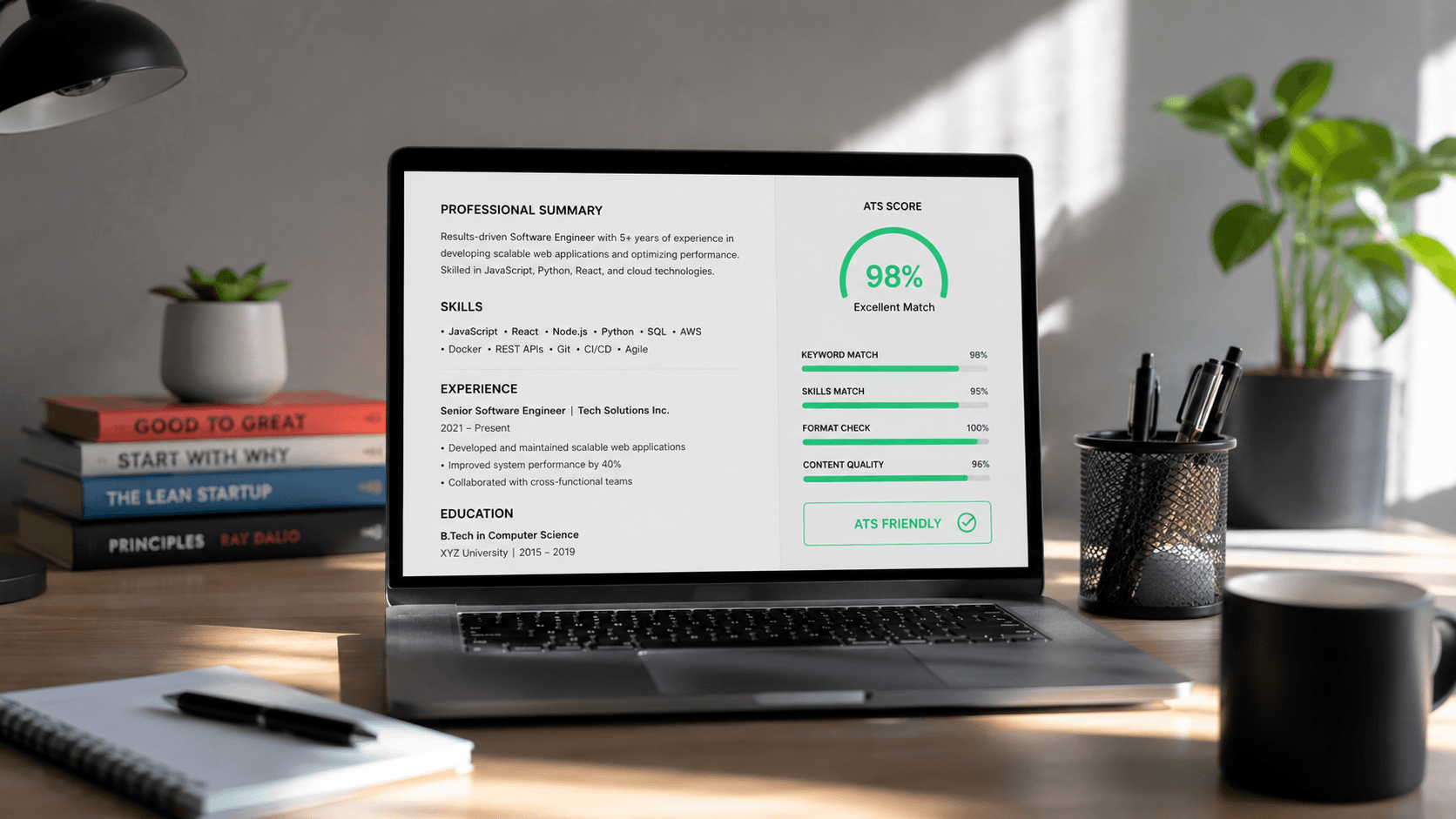
Did you know that over 90% of Fortune 500 companies use Applicant Tracking Systems (ATS) to filter resumes before a human recruiter ever sees them? That means, despite your exceptional skills and accomplishments, your CV might be filtered out automatically because of format issues or missing keywords. In this comprehensive guide, we'll teach you exactly how to make your resume ATS-compliant.
What is an Applicant Tracking System (ATS)?
An Applicant Tracking System is software used by recruiters and employers to collect, scan, sort, and rank job applications. When you apply for a job online, your resume doesn't go straight to a human. Instead, the ATS scans its text, extracts crucial keywords (like skills, job titles, and experience), and scores it based on its relevance to the job description.
How to Structure an ATS-Compliant Resume
Formatting is the number one reason resumes get rejected by ATS software. Follow these formatting guidelines to ensure your resume passes the scanner:
- Use a simple layout: Avoid multi-column layouts, sidebars, progress bars, and custom shapes. Stick to a clean single-column structure.
- Choose standard headings: Use clear section titles like 'Professional Experience', 'Technical Skills', and 'Education'. Custom headings like 'My Career Path' can confuse the parser.
- Avoid tables, text boxes, and graphics: Never place text inside text boxes or tables, as the parser may read them out of order or ignore them completely.
- Use standard bullet points: Stick to simple bullet characters (circles, squares, dashes). Avoid custom graphic symbols.
Which File Format is Best: PDF or Word?
Historically, Word documents (.docx) were the safest bet for ATS scanners. However, modern ATS systems can parse clean PDF documents with ease. When exporting your resume, make sure the PDF is text-based (you can highlight and select the text) rather than a scanned image PDF. Scanned PDFs are completely unreadable by ATS algorithms.
The Art of Keyword Optimization
Keyword optimization is the core of ATS SEO. The ATS ranks you based on how well your resume matches the job description's target keywords. Here is how to write them naturally:
- Scan the job description: Highlight repeated skills, technologies, and certifications.
- Use both acronyms and full terms: For example, use 'Search Engine Optimization (SEO)' or 'AWS (Amazon Web Services)' so you match whichever term the recruiter searches for.
- Incorporate keywords contextually: Never just dump keywords in a hidden white-text block. Incorporate them naturally into your bullet points under work experience.
| Job Title | Core ATS Keywords to Include | Preferred Resume Section |
|---|---|---|
| Software Engineer | React, Node.js, TypeScript, REST APIs, Git | Technical Skills, Experience |
| Product Manager | Product Roadmap, Agile, Scrum, A/B Testing, SQL | Core Competencies, Experience |
| SEO Specialist | Google Analytics, Keyword Research, Link Building, SEMrush | Key Skills, Projects |
Frequently Asked Questions
Can ATS read resumes generated by AI tools?
Yes, ATS systems do not look at whether a resume was written by AI. They parse the text, structure, and keywords. As long as the tool generates clean semantic text and a standard layout, it will pass the ATS check.
Do images or icons block my resume?
Yes, many ATS parsers will fail to read content next to icons or within images. It is safest to remove all graphic elements and keep your resume strictly text-based.