
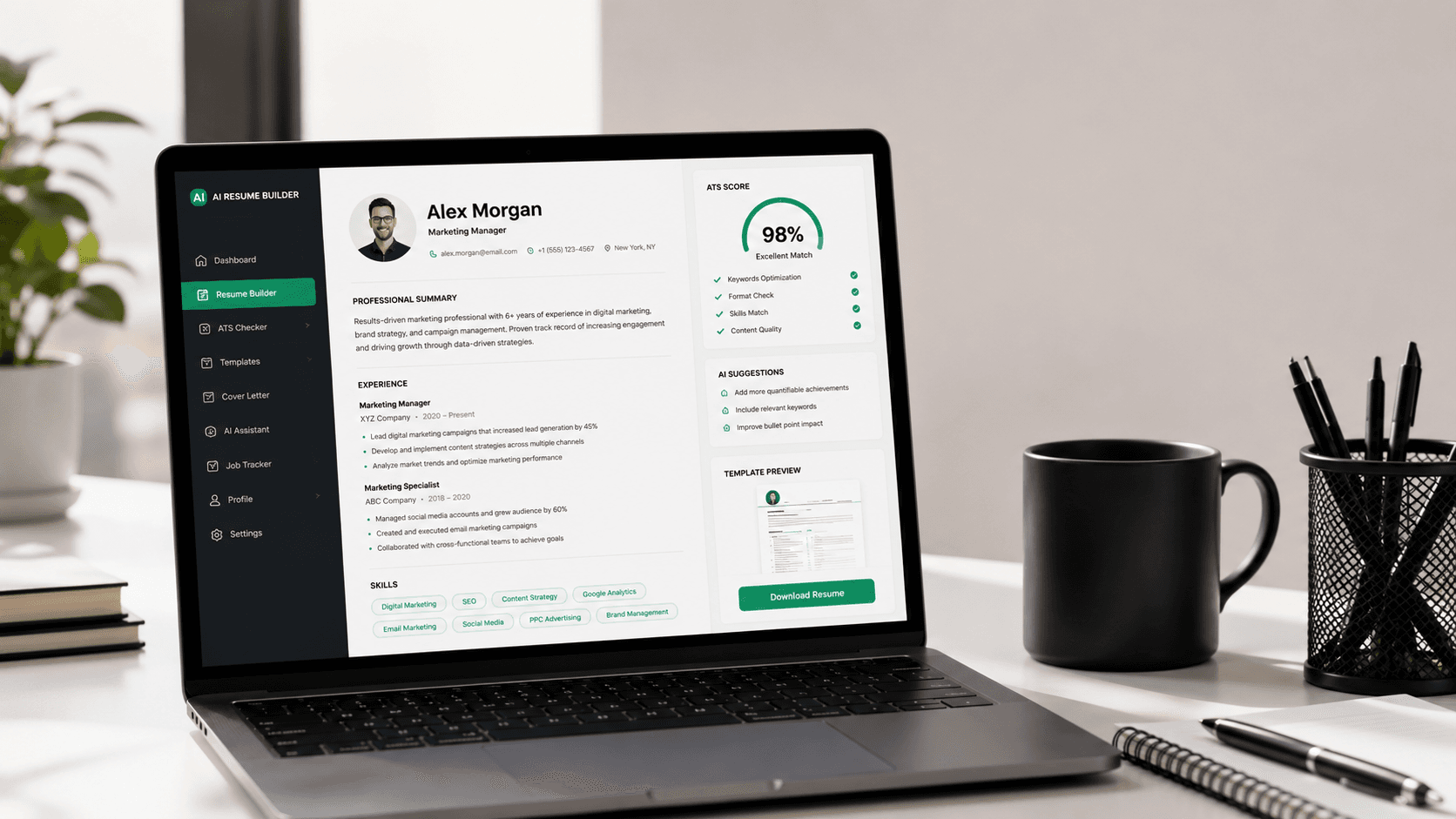
The job application landscape is undergoing a massive transformation. In 2026, over 95% of Fortune 500 companies and a growing percentage of mid-market startups rely on Applicant Tracking Systems (ATS) to filter and sort resumes before a human recruiter ever sees them. For job seekers, this means writing a standard resume by hand or using clunky templates is no longer enough to land interview calls. Enter the AI resume builder.
Using an AI resume maker is not just about using ChatGPT to generate bullet points. It is about implementing a strategic career document that aligns with Natural Language Processing (NLP) models, embeds correct semantic keywords, and keeps format standards that recruiters and machine parsers appreciate. In this comprehensive guide, we will break down the mechanics of modern resume building, analyze why AI builders are dominating, and teach you how to write a resume with AI that converts clicks into interview offers.
What is an AI Resume Builder?
An AI resume builder is a software application that leverages advanced large language models (LLMs) and natural language processing (NLP) to assist job seekers in creating, editing, and optimizing their resumes. Unlike traditional template builders—which merely act as empty text boxes—an AI builder acts as a career consultant. It provides inline suggestions, drafts achievement-oriented accomplishments, optimizes keywords based on specific job descriptions, and configures structures to meet ATS specifications.
Why Traditional Resumes Are Failing in 2026
Historically, creating a resume meant launching Microsoft Word, picking a pre-formatted template, and listing your duties. However, this workflow introduces two critical vulnerabilities: content weaknesses and format parsing crashes.
1. Format Crashes in Applicant Tracking Systems
Many traditional resume templates use elements like multi-column layouts, tables, text boxes, graphics, icons, and non-standard fonts to look 'modern'. While these look clean to humans, they are completely unreadable to the basic parsers utilized in ATS systems. When scanned, text inside tables is often concatenated out of order, and icons are read as garbled characters, resulting in a blank or corrupted candidate profile in the recruiter's system.
2. Focus on Duties Instead of Achievements
Most candidates suffer from writing block. When drafting experience bullet points, they describe their daily tasks (e.g., 'Responsible for writing code and attending meetings') instead of detailing the quantifiable impact of their work. Recruiters spend an average of only 6 seconds scanning a resume, looking specifically for metrics, action verbs, and deliverables. An AI builder acts as an editor, prompting you for data and automatically writing metrics-driven bullet points.
Comparison: Traditional vs. AI vs. ChatCV Resume Building
| Feature | Traditional Word Templates | Basic AI Resume Builders | ChatCV (Conversational LaTeX) |
|---|---|---|---|
| Creation Method | Manual form filling & text editing | Static templates with inline AI prompts | Conversational Chat with AI assistant |
| ATS Parsing Compatibility | Poor (tables, multi-columns break) | Variable (mostly HTML-to-PDF grids) | 100% Compatible (Typeset using standard LaTeX) |
| Content Suggestions | None | Basic generic descriptions | Context-aware metrics-focused phrasing |
| LaTeX Source Export | No | No | Yes (full raw source code exportable) |
| Formatting Workflow | Fussy alignment & formatting shifts | Rigid block templates | Completely automatic styling & pagination |
How to Write a Resume with AI: A Step-by-Step Strategy
To create a high-converting, ATS-friendly AI resume, you must follow a structured approach. Simply pasting your old resume into an AI model and asking to 'make it sound better' will yield generic, bloated text that recruiters immediately flag. Here is the professional strategy:
Step 1: Extract Job Description Keywords
The ATS scores your profile based on how closely your resume keywords match the job description. Analyze the posting and identify recurring terms under skills, requirements, and responsibilities. An AI resume builder can scan these descriptions for you and suggest a prioritized keyword checklist (e.g., 'System Design', 'React.js', 'REST APIs').
Step 2: Draft Accomplishments Using the XYZ Formula
Developed by Google, the XYZ formula states: *'Accomplished [X], as measured by [Y], by doing [Z].'* Instead of writing 'Maintained database systems', write: *'Optimized PostgreSQL query indexes [Z], reducing page load latency by 30% [Y], and scaling support to 100,000 active daily users [X].'* You can feed your basic duties into the AI assistant and ask it to restructure them using the Google XYZ formula.
Step 3: Keep Formatting Clean and Typeset in LaTeX
LaTeX is the gold standard for resume formatting in technical and professional fields. It compiles your document with pixel-perfect spacing, clean headings, and searchable text, preventing any layout shifts. ChatCV compiles your resume in LaTeX automatically in the background while you chat, giving you a beautiful PDF without needing to know a single line of LaTeX markup.
Common Mistakes to Avoid When Using AI Resume Makers
- Using AI clichés: Avoid overused adjectives like 'synergistic', 'passionate', 'results-oriented', and 'highly motivated'. Stick to direct, simple language.
- Formatting with tables and columns: Multi-column formats compress text, causing parser bots to read horizontally across columns, combining unrelated text lines.
- Pasting generic AI summaries: Recruiters review hundreds of resumes daily. They recognize standard ChatGPT-generated summaries immediately. Always customize summaries with your specific years of experience and top achievements.
- Leaving out metrics: If your bullet points do not contain percentages, revenue dollar signs, or time durations, your resume will feel abstract.
Expert Advice on Beating the Applicant Tracking System
According to leading technical recruitment specialists, beating the ATS comes down to semantic indexing. The parser translates your CV into a text-only schema. If the system searches for 'React Developer' and your resume only says 'Frontend Engineer' with no mention of 'React', you might be ranked lower regardless of your experience. Use a free AI resume builder to cross-reference your experience against target skills frameworks before applying.
Frequently Asked Questions
Are AI resume builders safe for applicant tracking systems (ATS)?
Yes. Most AI builders focus on optimizing text and keywords, which makes resumes highly compatible with ATS. However, ensure the builder exports clean, text-based PDFs or LaTeX files rather than scanned images.
Can recruiters tell if a resume was written by AI?
Only if you copy-paste generic, repetitive AI phrases (like 'demonstrated success in spearheading synergistic initiatives'). If you use AI as an editor to polish your real achievements, recruiters will simply see a clean, professional resume.
What is the best format for a resume: PDF, Word, or LaTeX?
A clean, text-based PDF typeset in LaTeX is ideal. LaTeX guarantees perfect layout formatting and is parsed accurately by all modern ATS scanners.
How often should I customize my resume for different job postings?
You should customize your resume summary and core skills for every role. Aligning your keywords with the specific job description increases your ATS match rate significantly.
Is there a free AI resume builder available?
Yes, ChatCV provides a free tier that allows job seekers to build, customize, and download professional ATS-friendly resumes using a conversational AI helper.
How does a chat-based resume builder differ from form-based builders?
Form-based builders force you to type into hundreds of input boxes, which is tedious and introduces writing blocks. Chat-based builders allow you to speak or type naturally to an AI assistant that structures the resume for you.
Can I export the raw LaTeX source code from AI builders?
Most basic AI builders do not support source export. However, ChatCV allows you to copy the raw LaTeX source code, giving you full ownership and editability in external LaTeX editors.
What sections should every professional resume contain?
Every resume should contain: Contact Information, Professional Summary, Work Experience (with bullet points), Core Skills / Technical Competencies, and Education. Optional sections include Certifications and Projects.
Should I include my headshot or icons on my resume?
No. Headshots can trigger discrimination compliance issues in many countries, and graphical icons often corrupt the text scanning inside ATS software. It is safest to keep your resume strictly text-based.
How many bullet points should I list under each job experience?
List 3 to 5 bullet points per job. Ensure each bullet point highlights a clear accomplishment, starting with a strong action verb and including a measurable result.